Time analytics for Chrome
Track your
browsing time.
Pulse is a Chrome extension that shows how much time you spend on each website.
How it works
How it works
- 01
Install & browse
Pulse starts counting the moment a site has focus. Idle time, background tabs, and incognito windows never count.
- 02
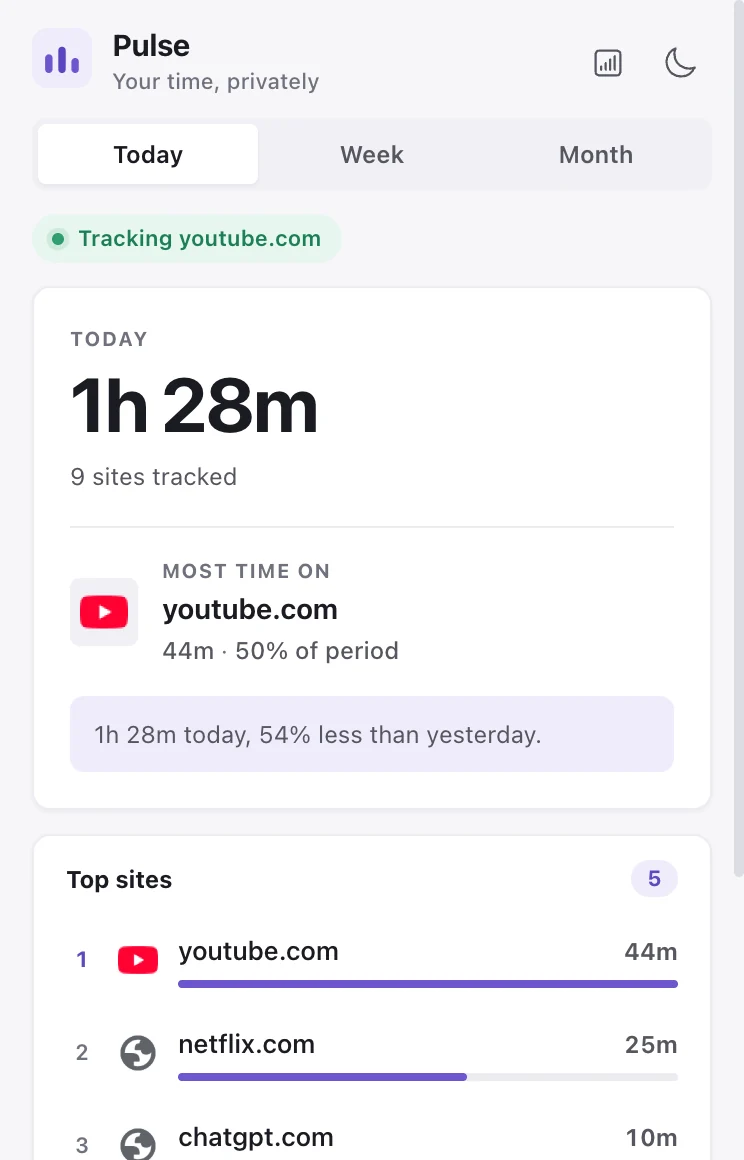
Glance at the popup
Today's total, your top sites, and any time-cap alerts. One click on the toolbar icon, refreshed live.
- 03
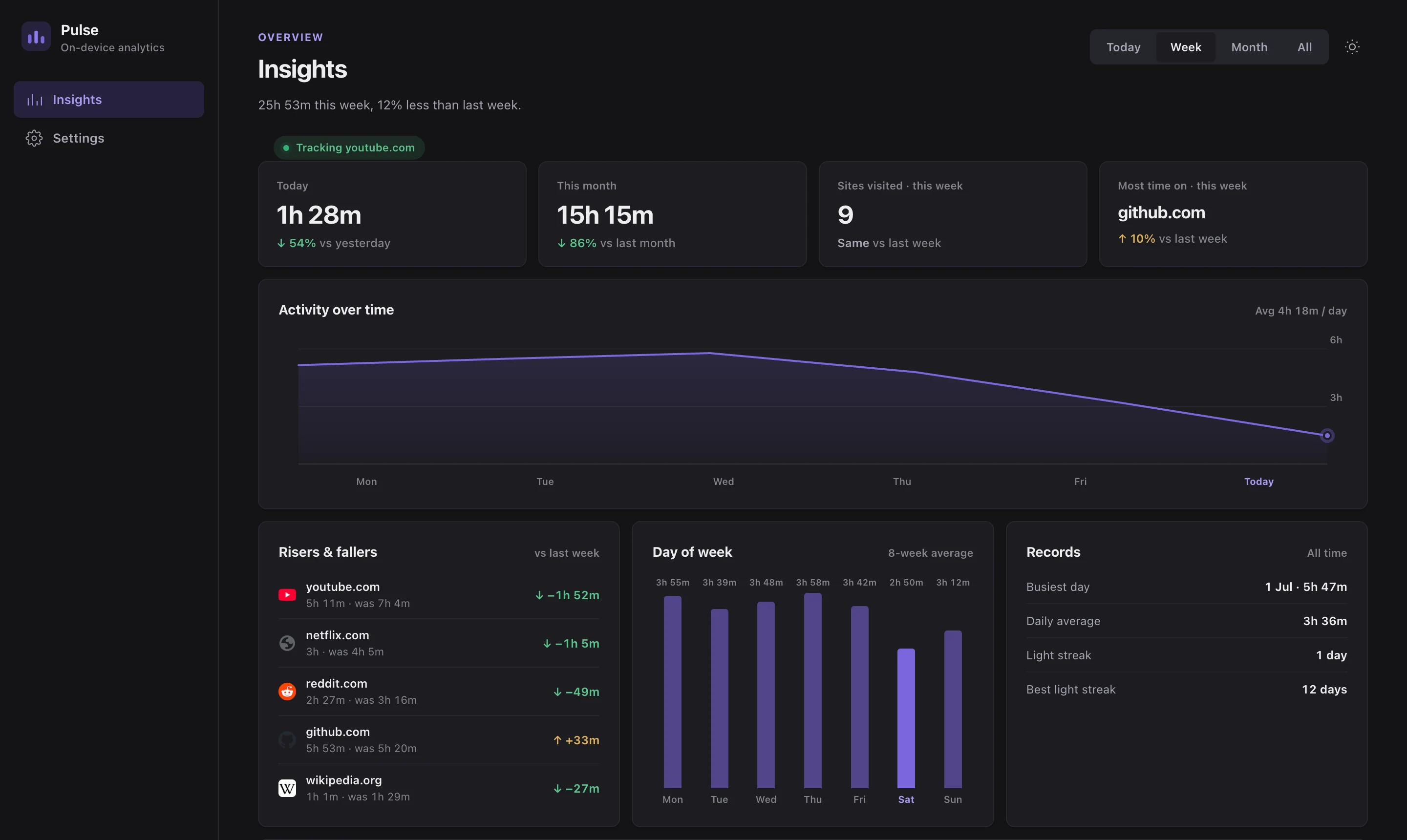
Open Insights
Trends, risers & fallers, weekday patterns, and records. Every number is computed locally from your own rollup.
Pulse: Web Time Analytics
Add to Chrome 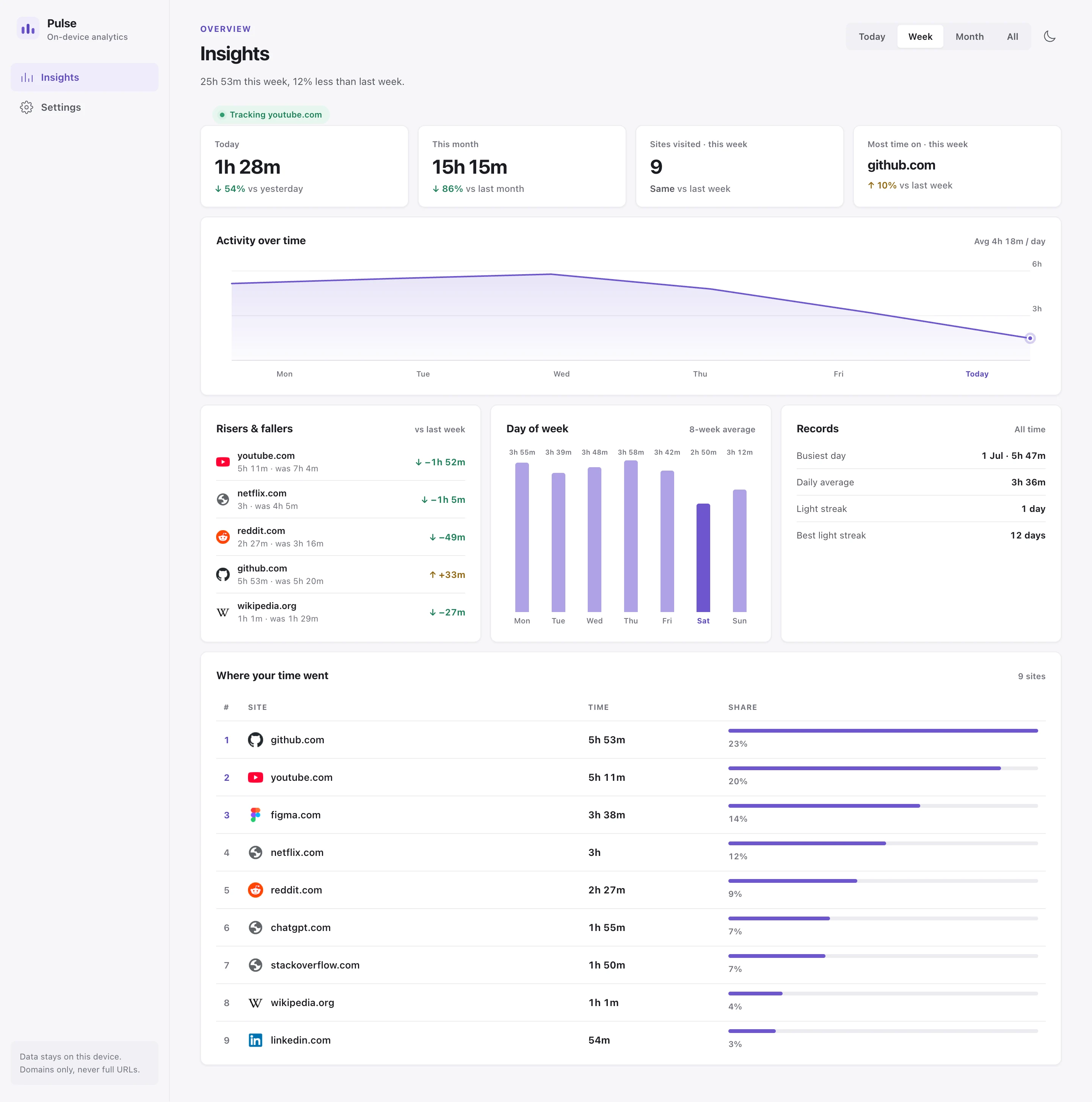
The dashboard
Your browsing time,
in one dashboard.
The features
Control what counts,
and how it looks.
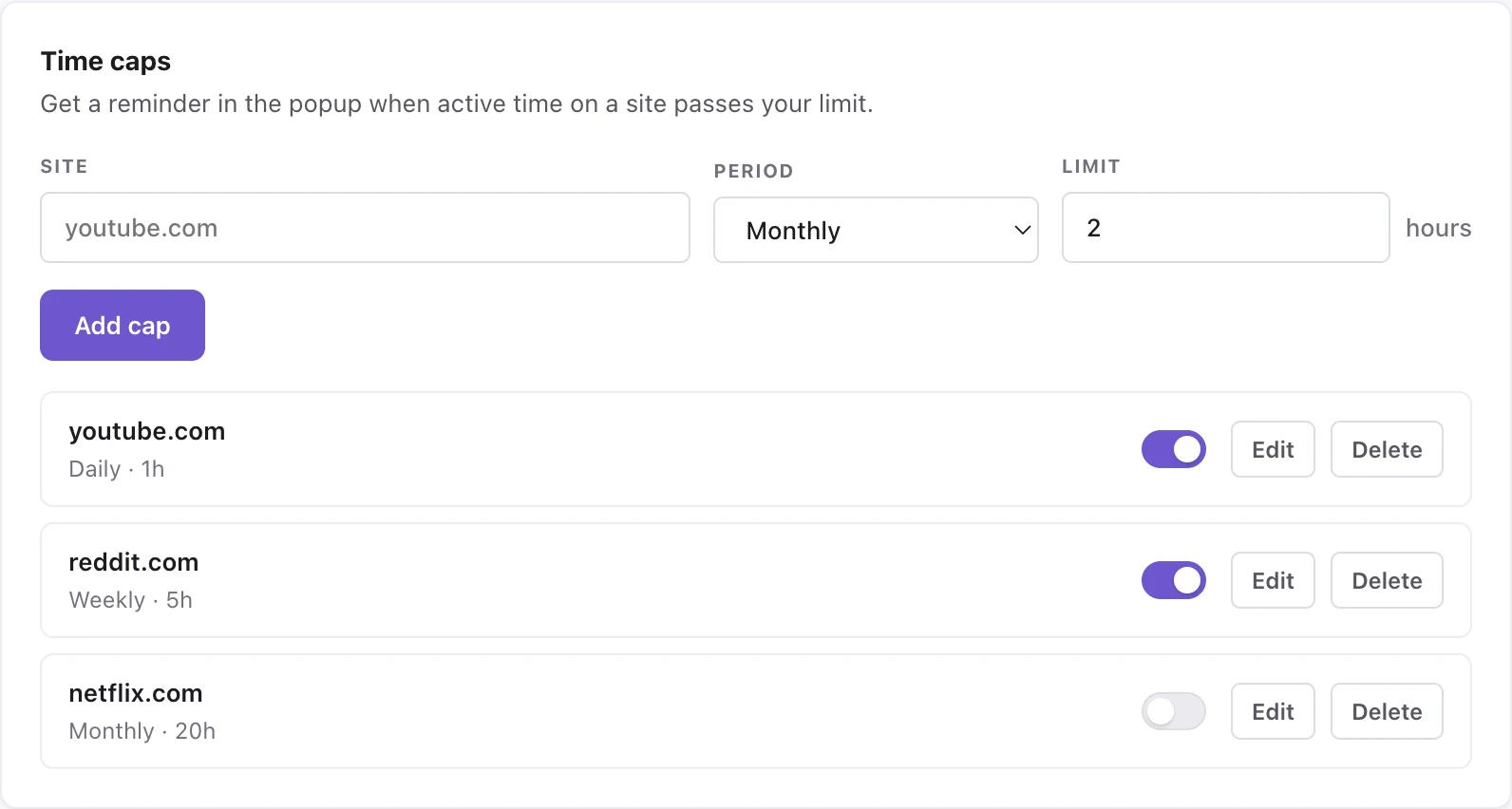
Time caps
Set a daily, weekly, or monthly limit per site. When you pass one, the popup and badge remind you, gently.
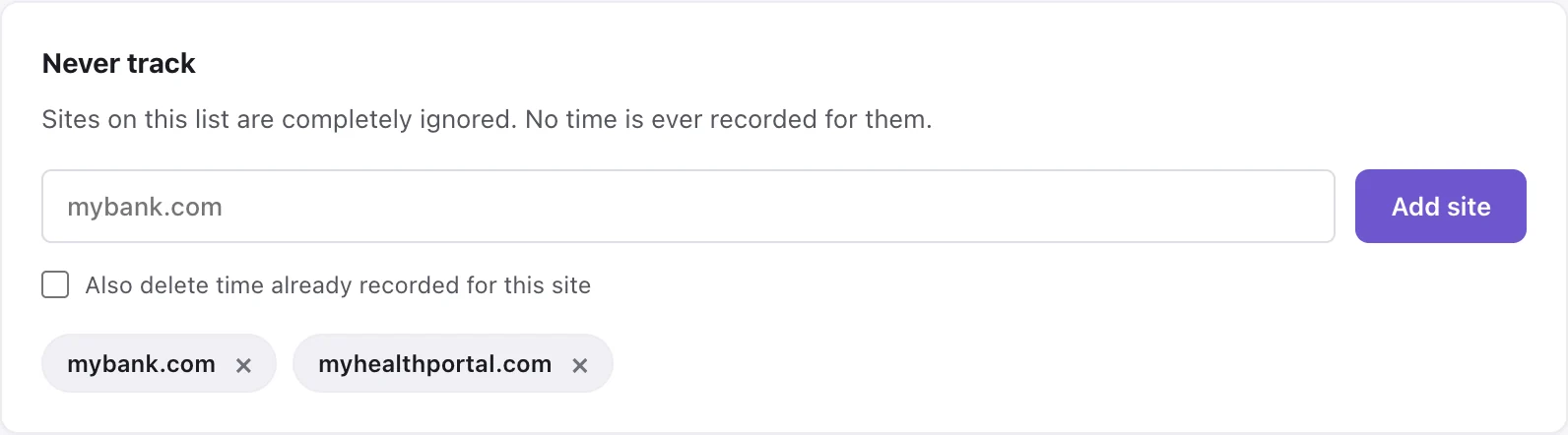
Never-track list
Some sites are nobody's business, including Pulse's. Anything on this list is ignored entirely, and you can delete what was already recorded.
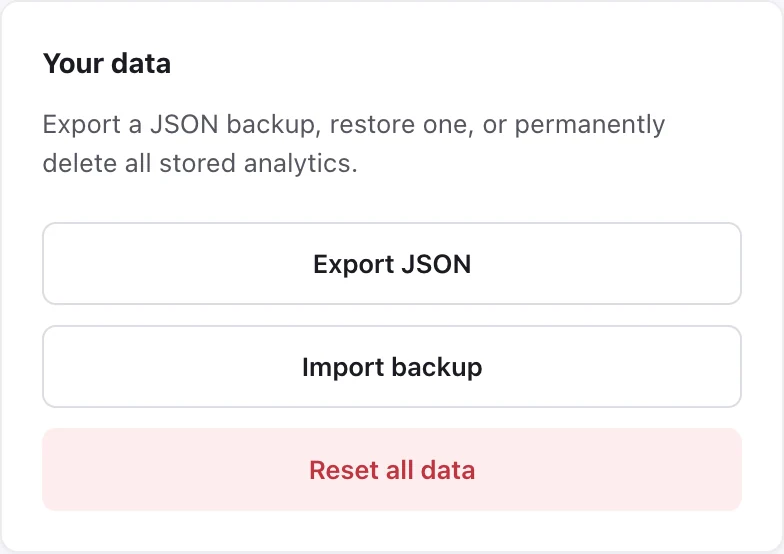
Backup & restore
Your data is a JSON file you can export, restore on another machine, or wipe for good. No cloud involved.
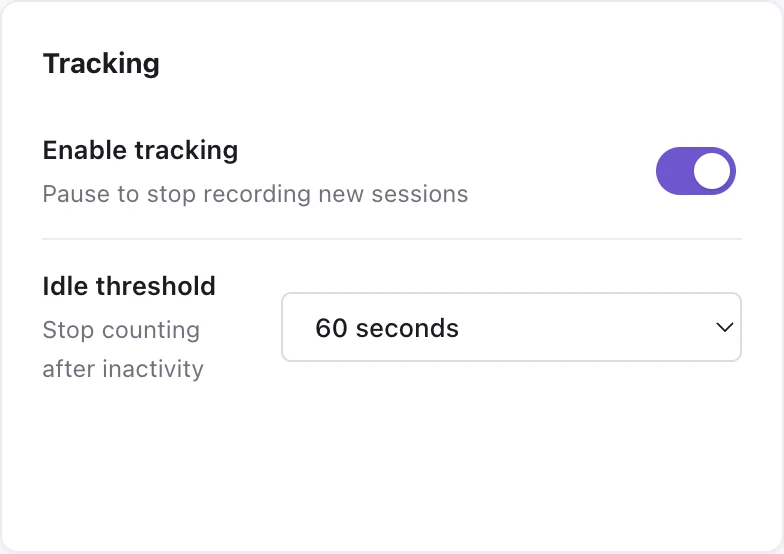
Tracking controls
Pause tracking whenever you want, and tune how quickly idle time stops the clock.
Light & dark
Pulse follows your system theme out of the box, and you can switch manually from the popup or dashboard.
Built in, switched on
Pulse is a browsing behaviour and time tracker plugin for Chrome.
Your data is completely private. Pulse only records a site's domain, never the full URL, and you can opt any website out of tracking.
Get Pulse
Free, with everything
included.
No plans, no upgrades, no account.
No account
Nothing to sign up for
Install and browse. There is no login, no onboarding email, and no profile of you anywhere.
Everything
- All analytics & insights
- Time caps & never-track list
- Import, export, and reset
- Live popup & badge alerts
- Light & dark themes
- Every future update
No telemetry
Nothing phones home
Zero network requests, no host permissions, and incognito windows are never recorded.